

Talk. It writes.
On-device AI turns your voice into notes as you speak. Your words never leave your iPhone.
Download free on the App StoreSee it in action
Tap play, sound on.
How it works
Four steps, no account, no setup.
- 1
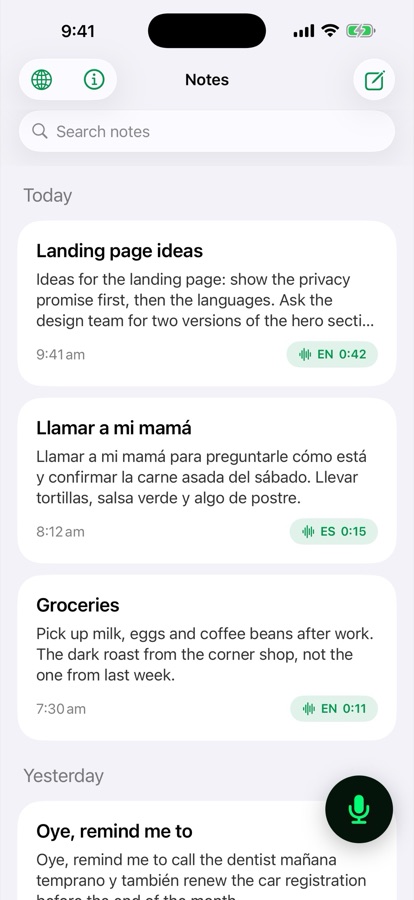
Tap the mic
Open Transcriber and tap the green mic. A new note opens and starts listening right away.
- 2
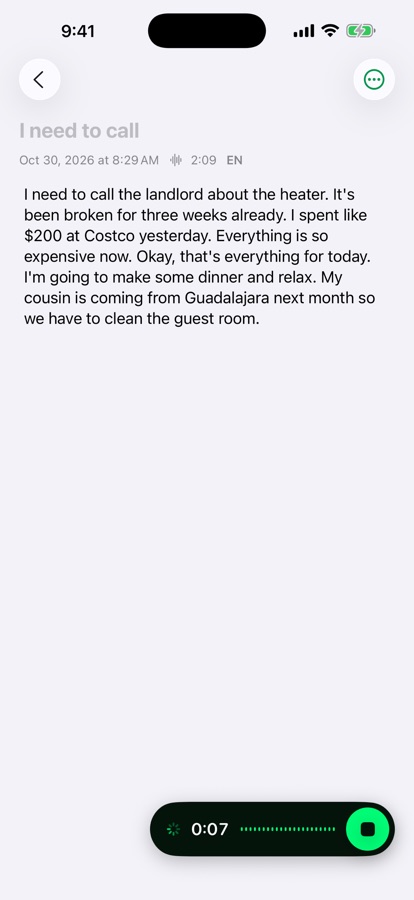
Just talk
Speak naturally in English, Spanish, or both. At every pause, the on-device AI writes your words into the note.
- 3
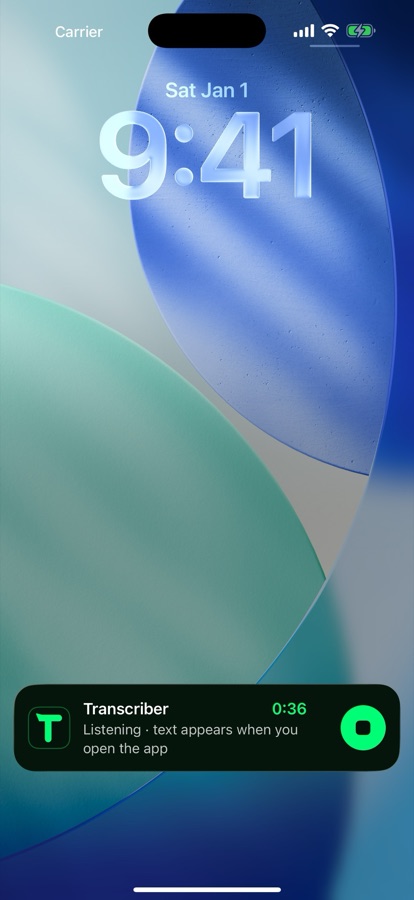
Lock your phone, keep going
It keeps listening in the background, with a timer and stop button on the Lock Screen and in the Dynamic Island.
- 4
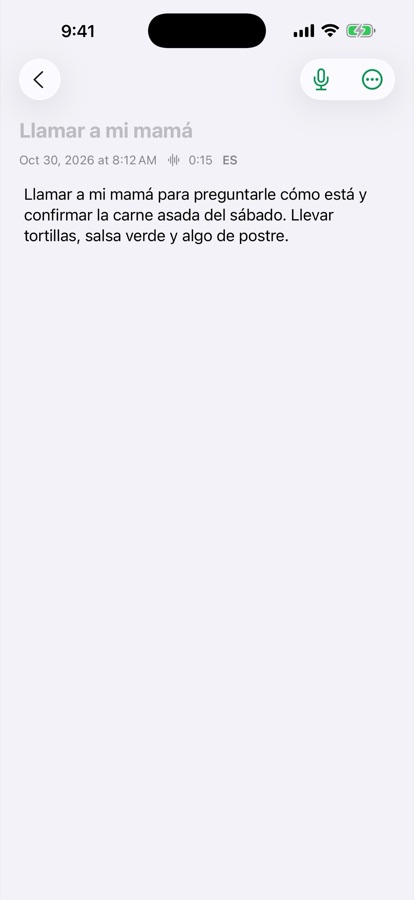
Your notes, on your iPhone
Edit, search, copy or share, and organize them into folders. Everything stays on your phone.
Your words appear as you speak
Tap the mic and talk. At every pause, the AI on your iPhone writes what you said into the note, in English, Spanish, or both in the same sentence.
Read any language, live
Open the Translate tab and let someone talk. About three seconds after each sentence, you read it in English, Spanish or Simplified Chinese. Mixed languages like Spanglish work too, and you can switch the output language mid-conversation. Translation runs on your iPhone with Apple’s on-device translation, so nothing is sent to a server.
Heard: ¿Tienen una mesa junto a la ventana para cuatro personas?
On-device AI
An AI speech model built into the app turns your voice into text on your iPhone. It's never sent to an AI server.
Private and offline
Nothing is uploaded and there's no account. No internet needed: on a plane, in the subway, anywhere.
Your languages
Recognizes around 100 languages and handles switching between them, Spanglish included.
Keeps listening
Lock your phone or switch apps. Control it from the Lock Screen and the Dynamic Island.
Live translation
Let someone talk in another language and read it in English, Spanish or Chinese, translated on your iPhone.
Folders
Notes and translations each get their own folders: work, trips, groceries. Swipe right to move one.
Your voice never leaves your iPhone.
No account. No ads. No cloud. No AI server. No subscription.
Get Transcriber Voices, free